Declutter Your Digital Life: 3 Essential Steps for a More Organized 2026
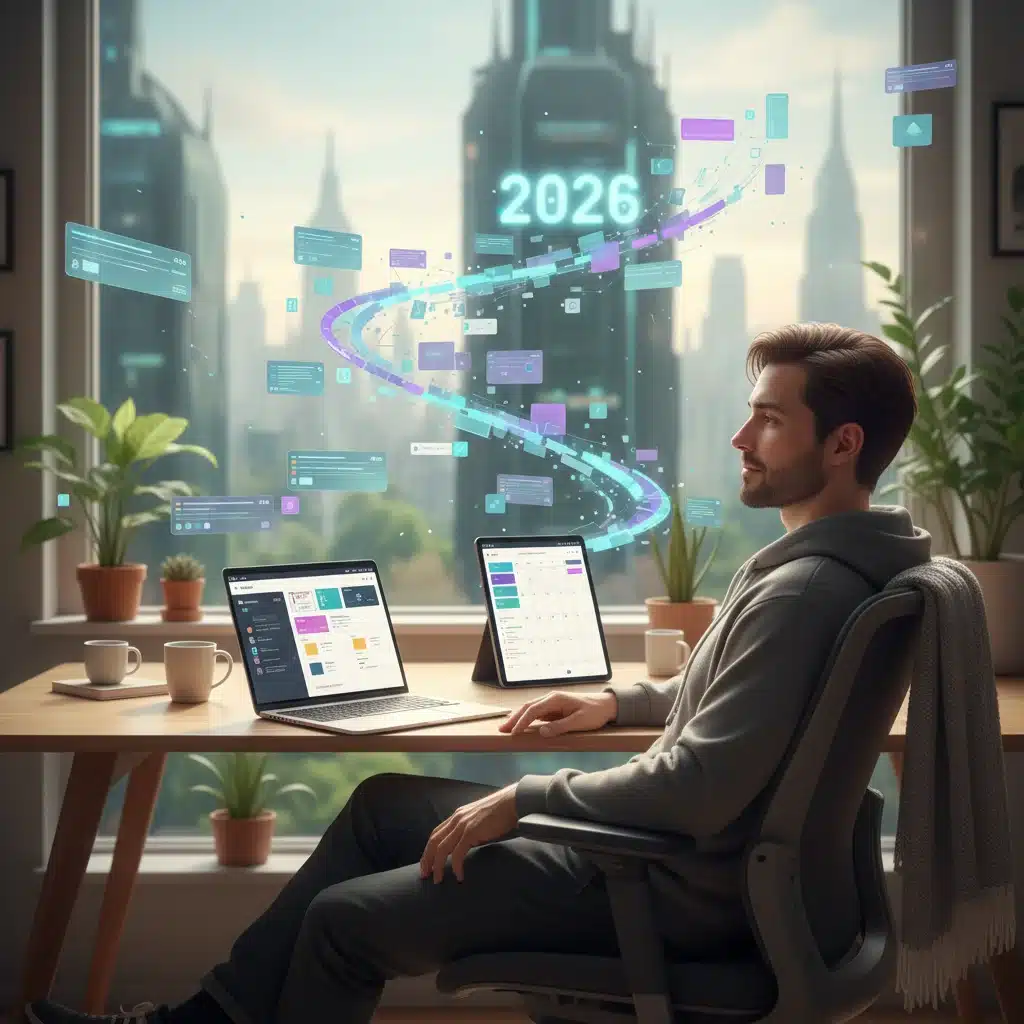
In our increasingly digital world, the lines between our physical and virtual spaces have blurred. While we often focus on tidying our homes and offices, the state of our digital lives often goes overlooked. Yet, a cluttered digital environment can be just as detrimental to our productivity, mental clarity, and even security as a messy physical one. As we look towards 2026, there’s no better time to embark on a journey to declutter your digital life. This comprehensive guide will walk you through three essential steps to achieve a more organized, efficient, and secure digital existence.
The Pervasive Problem of Digital Clutter
Before diving into the solutions, it’s crucial to understand why a cluttered digital life is such a widespread issue. Think about it: how many unread emails are lurking in your inbox? How many duplicate photos are hogging space on your phone? How many unused apps are sitting on your computer, silently consuming resources and potentially posing security risks? The sheer volume of digital information we accumulate daily can be overwhelming. From work documents and personal photos to social media notifications and subscription emails, our digital footprint expands exponentially. This digital sprawl leads to:
- Reduced Productivity: Wasting time searching for files, sifting through emails, or dealing with slow devices.
- Increased Stress: The constant feeling of being overwhelmed by notifications and an unmanageable digital load.
- Security Vulnerabilities: Outdated software, weak passwords, and neglected accounts create easy targets for cyber threats.
- Decreased Device Performance: Too many files and applications can slow down your devices, leading to frustration.
- Lost Opportunities: Important information can get buried, leading to missed deadlines or forgotten tasks.
By taking proactive steps to declutter your digital life, you’re not just cleaning up; you’re investing in your future self, ensuring a smoother, more focused, and less stressful digital experience throughout 2026 and beyond.
Step 1: The Great Digital File Purge and Organization
The first and often most daunting step in decluttering your digital life is tackling your files. This includes everything from documents and spreadsheets to photos, videos, and downloads across all your devices and cloud storage. A systematic approach is key here.
A. Audit and Consolidate Your Digital Assets
Begin by identifying all the places where you store digital files. This might include:
- Your computer’s hard drive (desktop, documents, downloads folders)
- External hard drives and USB sticks
- Cloud storage services (Google Drive, Dropbox, OneDrive, iCloud)
- Smartphones and tablets
- Old computers or backup devices
The goal is to bring all these scattered files into a central, manageable location, even if temporarily. Tools like external hard drives or large cloud storage plans can be invaluable for this consolidation phase. As you consolidate, create a temporary ‘New Files’ or ‘To Sort’ folder where everything new or unsorted will land initially.
B. Delete, Delete, Delete!
This is where the real decluttering begins. Go through your consolidated files with a critical eye. Ask yourself:
- Do I still need this?
- Is this a duplicate?
- When was the last time I accessed this?
- Does this provide value or serve a purpose?
Be ruthless. Delete old drafts, redundant documents, blurry photos, screenshots you no longer need, and any software installers you’ve already used. Pay particular attention to your ‘Downloads’ folder, which often becomes a digital graveyard. For photos, consider using duplicate-finder software to quickly identify and remove redundant images. For documents, if you haven’t touched a file in years and it holds no historical or legal significance, it’s probably safe to delete it. Remember, freeing up space isn’t just about storage; it’s about reducing mental overhead.
C. Implement a Logical Folder Structure
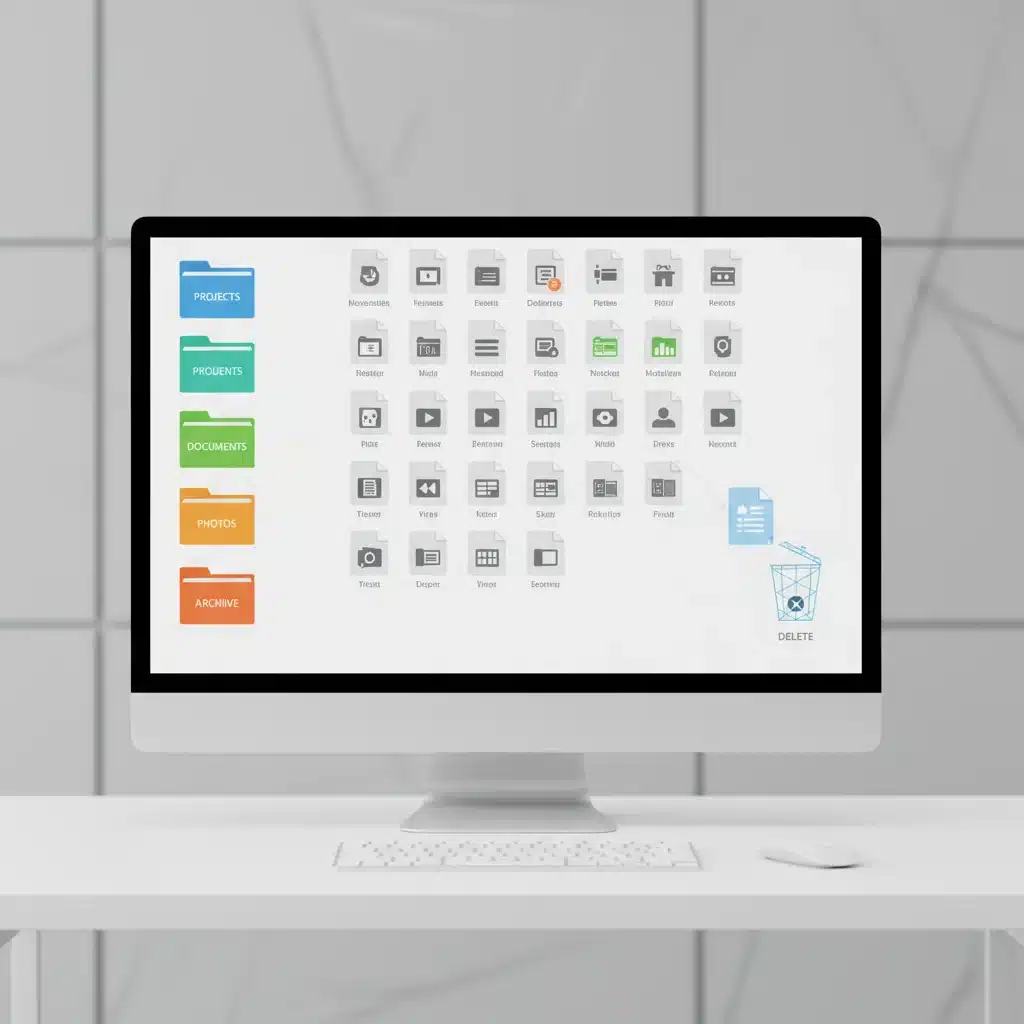
Once you’ve purged the unnecessary, it’s time to organize what remains. A well-thought-out folder structure is the backbone of a decluttered digital life. Here’s a recommended approach:
- Top-Level Categories: Start with broad categories like ‘Work,’ ‘Personal,’ ‘Finances,’ ‘Photos,’ ‘Creative Projects,’ etc.
- Subfolders: Within each category, create more specific subfolders. For example, ‘Work’ might have ‘Clients,’ ‘Projects,’ ‘Admin.’ ‘Personal’ could have ‘Travel,’ ‘Health,’ ‘Home.’
- Consistent Naming Conventions: Decide on a consistent way to name files and folders. This could involve using dates (YYYY-MM-DD_FileName), project codes, or descriptive keywords. Consistency makes searching much easier.
- Archive Old Projects: For completed projects or old files that you still need but won’t actively use, create an ‘Archive’ folder within your main categories. This keeps your active folders clean.
- Utilize Tags and Metadata: Many operating systems and cloud services allow you to add tags or metadata to files. This can be incredibly powerful for cross-referencing and finding files without remembering their exact location.
The key is to create a system that makes intuitive sense to you and that you can consistently maintain. Regular maintenance, perhaps a quick tidy-up once a month, will prevent future digital clutter from accumulating.
Step 2: Master Your Inbox and Digital Communications
Email is a double-edged sword. It’s an essential communication tool, but it can also be a relentless source of digital clutter and stress. Taking control of your inbox is paramount to declutter your digital life effectively.
A. Unsubscribe Relentlessly
The vast majority of email clutter comes from newsletters, promotional offers, and notifications we no longer read or care about. Dedicate a specific time to go through your inbox and unsubscribe from anything that doesn’t add value. Most emails have an ‘unsubscribe’ link at the bottom. If you can’t find one, or if it’s a persistent sender, consider using services like Unroll.me (with caution regarding privacy) or marking them as spam. Make it a habit: if you open a promotional email and don’t find it useful, unsubscribe immediately.
B. Implement the ‘Zero Inbox’ or ‘Action-Oriented’ Approach
The ‘Zero Inbox’ philosophy isn’t about having zero emails, but about having zero unread or unprocessed emails. Every email should be acted upon, delegated, or archived. Here’s how:
- Delete: If it’s junk or no longer relevant, delete it immediately.
- Archive: If you’ve read it and it holds no immediate action but might be needed for reference, archive it. Archiving keeps it searchable but out of your main inbox view.
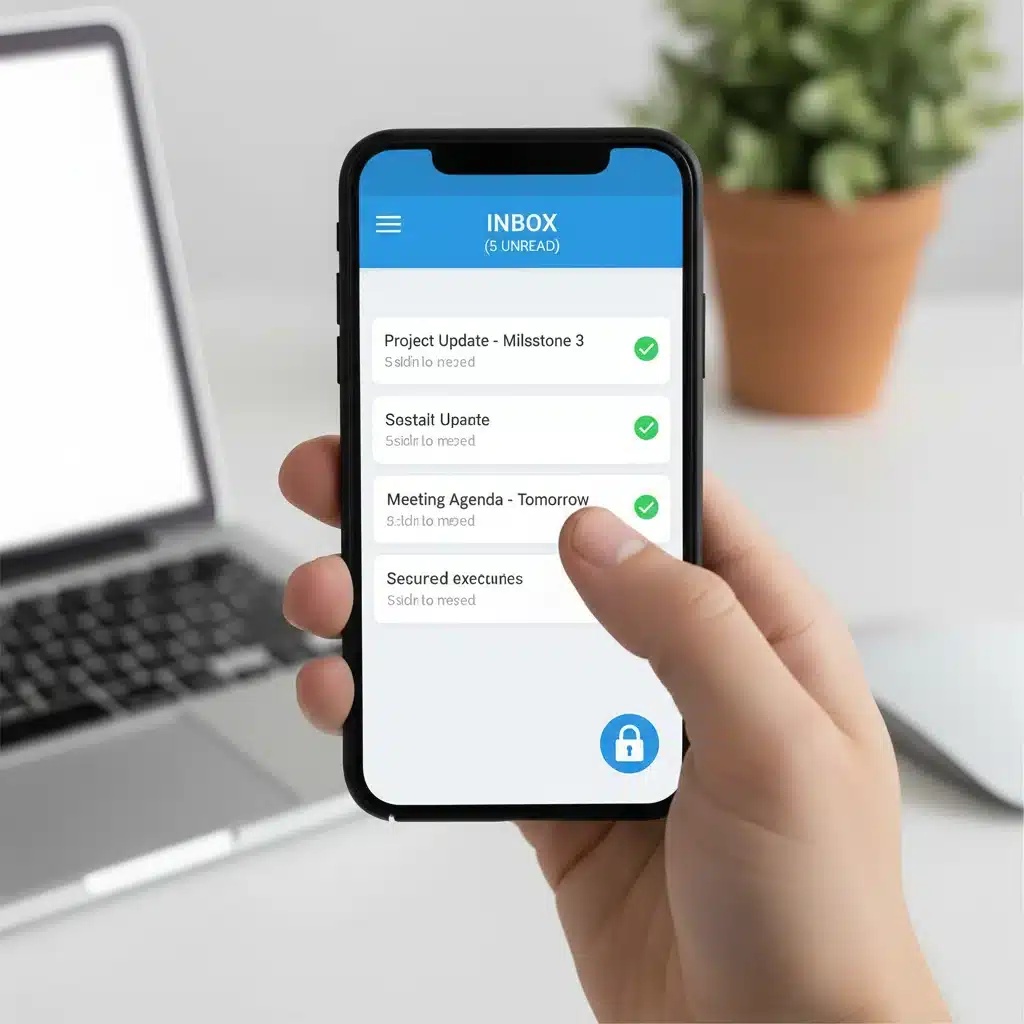
- Respond/Act: If it requires a response or action, do it immediately if it takes less than two minutes. Otherwise, add it to your to-do list and then archive it.
- Delegate: If it’s something someone else should handle, forward it and then archive it.
Alternatively, an ‘Action-Oriented’ approach involves creating specific folders for emails that require action: ‘To Do,’ ‘Waiting For,’ ‘Read/Review.’ The key is to move emails out of your main inbox once they’ve been processed.
C. Leverage Email Rules and Filters
Most email clients (Gmail, Outlook, Apple Mail) offer powerful rules and filters. Use them to automate the sorting of incoming mail:
- Prioritize Important Senders: Create rules to automatically move emails from key contacts or projects into specific folders or mark them as important.
- Filter Newsletters: Automatically send newsletters you want to read later into a ‘Read Later’ folder, so they don’t clutter your primary inbox.
- Handle Notifications: Direct social media notifications or system alerts into a dedicated ‘Notifications’ folder that you check periodically.
Setting up these rules takes a little time initially but saves countless hours in the long run, contributing significantly to a decluttered digital life.
D. Declutter Other Digital Communications
Email isn’t the only culprit. Extend your decluttering efforts to other communication platforms:
- Messaging Apps: Delete old chats, leave inactive groups, and mute notifications from less important conversations.
- Social Media: Unfollow accounts that no longer inspire or inform you. Review your privacy settings and consider reducing the number of platforms you actively use.
- Notifications: Go through your phone and computer settings and disable non-essential notifications. Only allow those that are truly urgent or important to your work/life.
Step 3: Secure Your Digital Fortress and Optimize Performance
A truly decluttered digital life isn’t just about organization; it’s also about security and efficiency. Neglecting these aspects can lead to data loss, identity theft, and frustratingly slow devices.
A. Review and Strengthen Your Digital Security
Cybersecurity is a non-negotiable part of modern digital life. As you declutter, take the opportunity to fortify your digital defenses:
- Password Audit: Use a reputable password manager (e.g., LastPass, 1Password, Bitwarden) to generate and store strong, unique passwords for all your accounts. Avoid reusing passwords at all costs.
- Enable Two-Factor Authentication (2FA): Where available, activate 2FA on all critical accounts (email, banking, social media, cloud storage). This adds an extra layer of security beyond just a password.
- Clean Up Old Accounts: Delete any online accounts you no longer use. Each inactive account is a potential vulnerability. Services like Deseat.me can help you find and delete old accounts.
- Update Software Regularly: Ensure your operating system, web browsers, antivirus software, and all applications are up to date. Updates often include critical security patches.
- Review Privacy Settings: Go through the privacy settings on your social media, email, and other online services. Limit the information you share publicly.
Regular security checks should become a routine, just like changing your physical locks. A secure digital life is a truly decluttered one, free from the anxiety of potential breaches.
B. Optimize Device Performance and Software
A slow device can be as frustrating as a cluttered inbox. Optimizing your device’s performance is a crucial part of decluttering your digital life.
- Uninstall Unused Apps and Programs: Go through your computer, tablet, and smartphone and remove any applications you haven’t used in months. They consume storage, memory, and can sometimes run in the background.
- Clear Cache and Cookies: Regularly clear your web browser’s cache and cookies. While some are useful, an accumulated mess can slow down browsing and sometimes cause issues.
- Manage Startup Programs: On your computer, review which programs launch automatically when you start your device. Disable any unnecessary ones to speed up boot times.
- Utilize Cloud Storage Strategically: Instead of hoarding large files on your local drive, move them to cloud storage. This frees up local space and makes files accessible from anywhere. Ensure you have a reliable backup strategy for your cloud data as well.
- Regular Backups: This isn’t just about decluttering; it’s about peace of mind. Implement a robust backup strategy for all your important data, both locally (external hard drive) and in the cloud. This protects you from data loss due to hardware failure, theft, or cyber-attacks.
By taking these steps, you’ll not only have a cleaner digital environment but also devices that run smoother and more reliably, enhancing your overall digital experience.
Maintaining Your Decluttered Digital Life in 2026 and Beyond
Decluttering your digital life isn’t a one-time event; it’s an ongoing process. To ensure your efforts last throughout 2026 and into the future, cultivate these habits:
- Regular Digital Check-ups: Schedule monthly or quarterly ‘digital hygiene’ sessions. Dedicate an hour or two to review files, unsubscribe from new junk mail, and check security settings.
- The ‘Two-Minute Rule’: If a digital task (like responding to an email, filing a document, or deleting a screenshot) takes less than two minutes, do it immediately. This prevents small tasks from accumulating into large clutter.
- Think Before You Click/Save: Be mindful of what you download, subscribe to, or save. Ask yourself if it’s truly necessary before adding it to your digital ecosystem.
- Embrace Digital Minimalism: Consider adopting principles of digital minimalism, focusing on using technology intentionally and only for activities that add significant value to your life.
- Educate Yourself: Stay informed about new digital tools, security threats, and best practices. The digital landscape is constantly evolving, and so should your approach to managing it.
The Benefits of a Decluttered Digital Life
The effort you put into decluttering your digital life will yield significant rewards:
- Enhanced Productivity: Spend less time searching and more time doing.
- Reduced Stress and Anxiety: A clear digital space often leads to a clearer mind.
- Improved Focus: Fewer distractions mean you can concentrate better on important tasks.
- Stronger Security: Protect your personal information and digital assets.
- Better Device Performance: Enjoy faster, more reliable technology.
- Greater Control: Feel empowered and in command of your digital world, rather than overwhelmed by it.
Conclusion: Embrace a More Organized Digital Future
As we navigate the complexities of modern life, the importance of a well-organized digital environment cannot be overstated. By committing to these three essential steps – the great digital file purge and organization, mastering your inbox and digital communications, and securing your digital fortress while optimizing performance – you are not just cleaning up; you are building a foundation for a more productive, peaceful, and secure 2026. Start today, take it one step at a time, and watch as your digital chaos transforms into calm. Your future self will thank you for taking the time to declutter your digital life.